


Pie Chart
A pie chart is used
to show the proportion of a certain part, simply and clearly. Click on
the toolbar or double-click the existing Pie Chart button to enter the Property
page.
on
the toolbar or double-click the existing Pie Chart button to enter the Property
page.
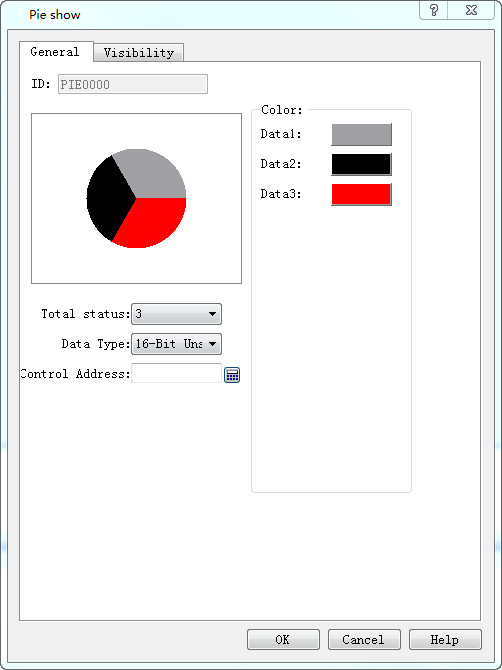
l Total: Quantity of components. Up to 12 pieces of data can be chosen.
l Data type: what type of data is selected for each type.
l Control Address: The written address is the first needed data address. The following address is the continuous one of the first. For example, the total quantity is 3, the data type is a 16-bit positive integer, and the control address is LW5, then the address of data 1 is LW5, that of data 2 is LW6, and that of data 3 is LW7.
If the data type is 32-bit and the control address is LW5, then the address of data 1 is LW5, that of data 2 is LW7, and that of data 3 is LW9.
l Color: Set the color of each data.