


1. Switching programming styles
Switch between different programming methods and program arrangements through the following methods.
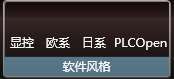
- In the "Software style" section of the "Setting" menu ribbon. Choose different programming styles.
1.1. Fashion style#
The current default style. Some optimizations have been made to the ladder diagram programming standard.
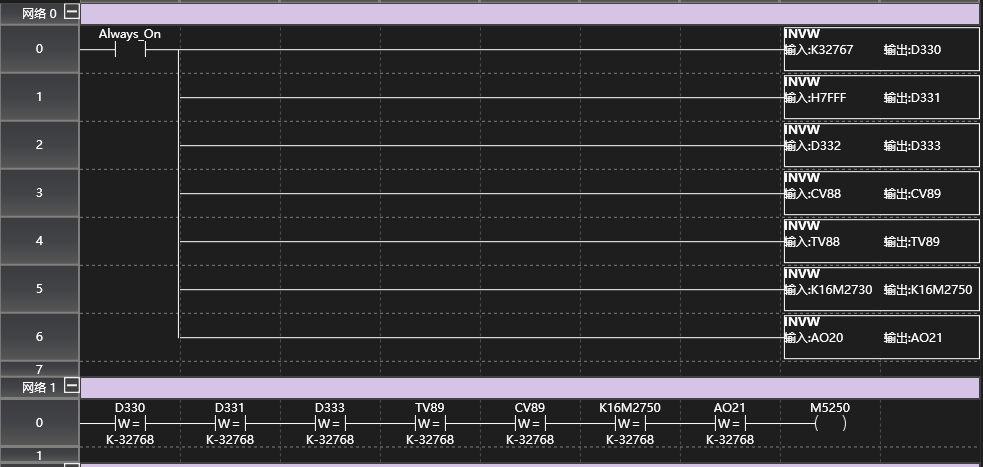
图1 Samkoon style
1.2. European style#
Available styles to choose from. A programming style that focuses more on expressing modularity.
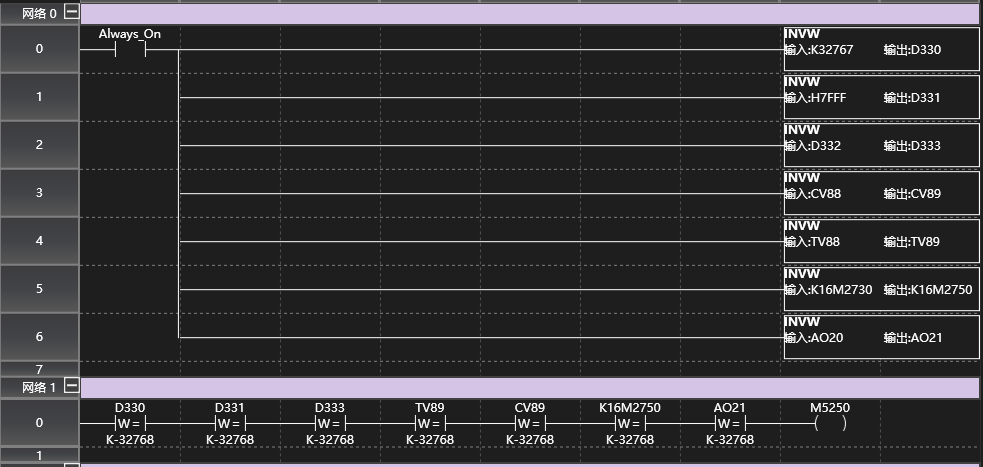
图2 European style
1.3. Japanese style#
Available styles to choose from. A programming style that simplifies the arrangement of programs.
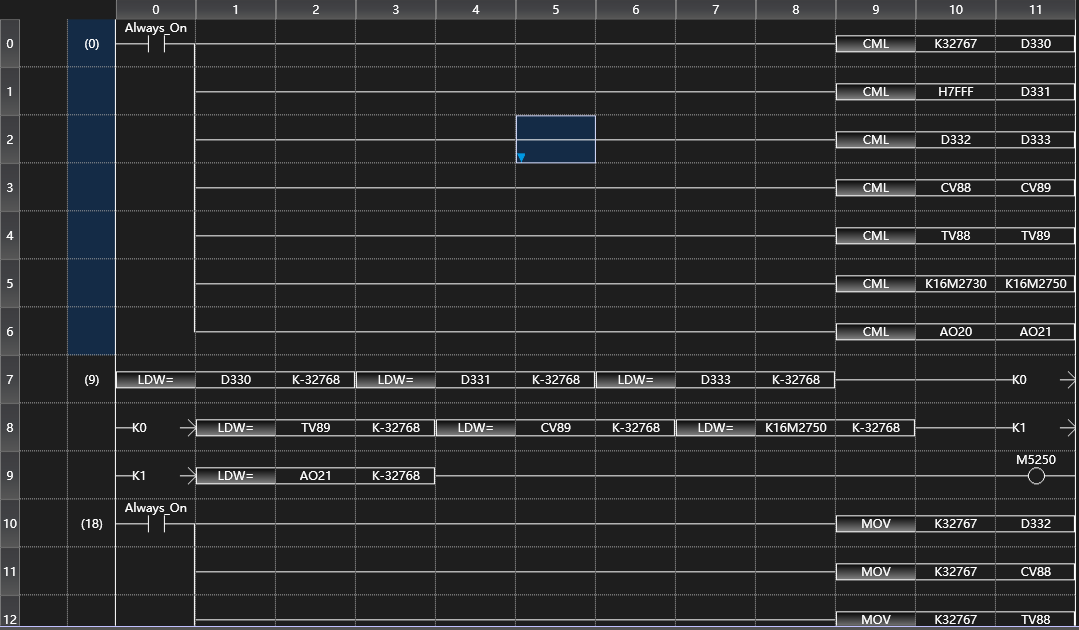
图3 Japanese style
1.4. PLCOpen style#
Available styles to choose from. A programming style that is compatible with six programming methods (LAD, IL, FBD, SFC, ST, CFC) and object-oriented programming.
This style is limited to PLCOpen projects and cannot be applied to general projects
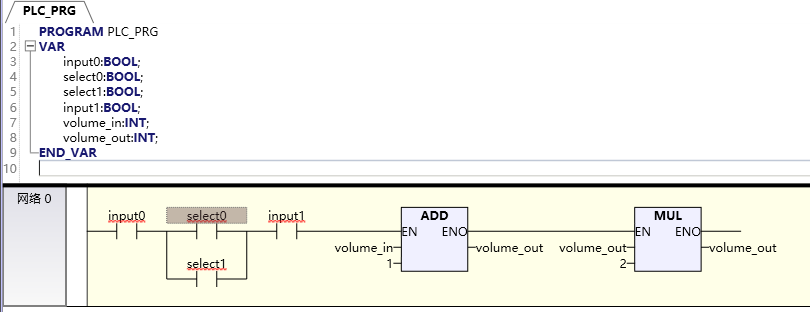
图4 PLCOpen style
อ่านเพิ่มเติม
อุปกรณ์ที่ใช้กับคู่มือนี้
2 รายการ

