


1. Switch UI theme style
ในหน้านี้3 หัวข้อ
Switch the theme style of the UI through the following methods.
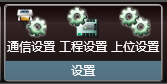
- Click the "Application Setting" button in the "Setting" menu ribbon. Open the upper settings dialog box.
- Select the theme and click OK.。
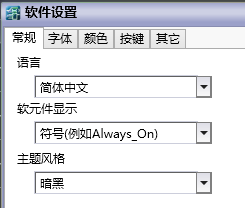
1.1. Dark style#
The current default theme. It is a style with a dark background and a bright foreground.
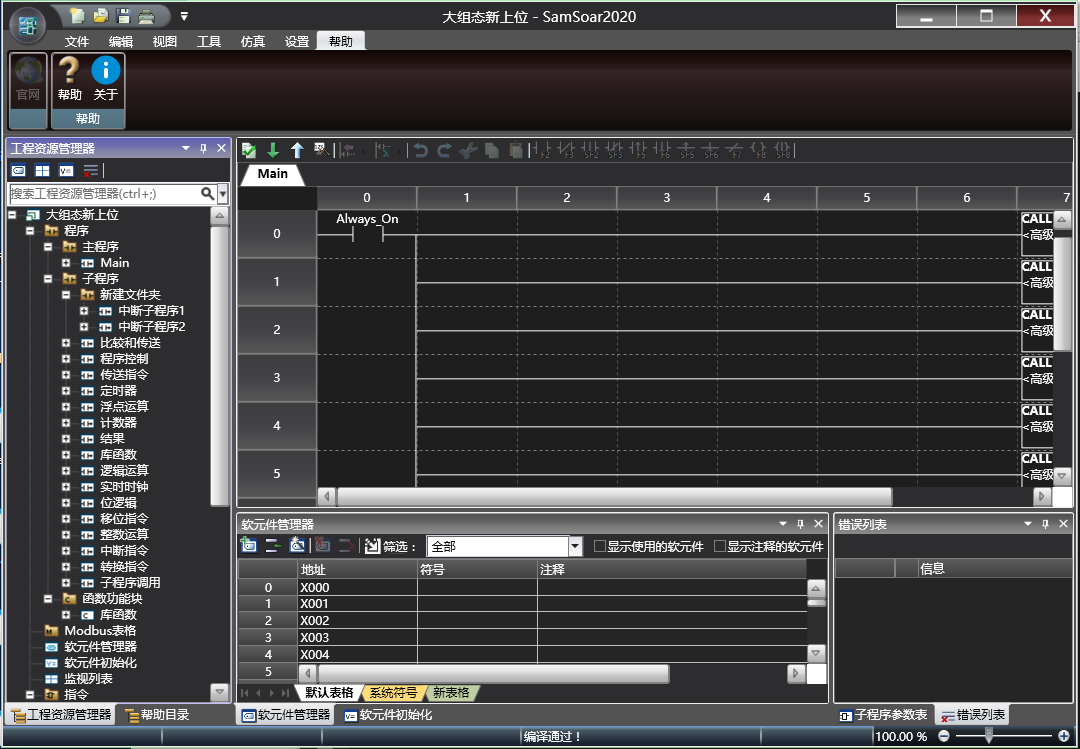
图1 Dark style
1.2. Bright style#
Selectable themes. It is a style with a bright background and a dark foreground.
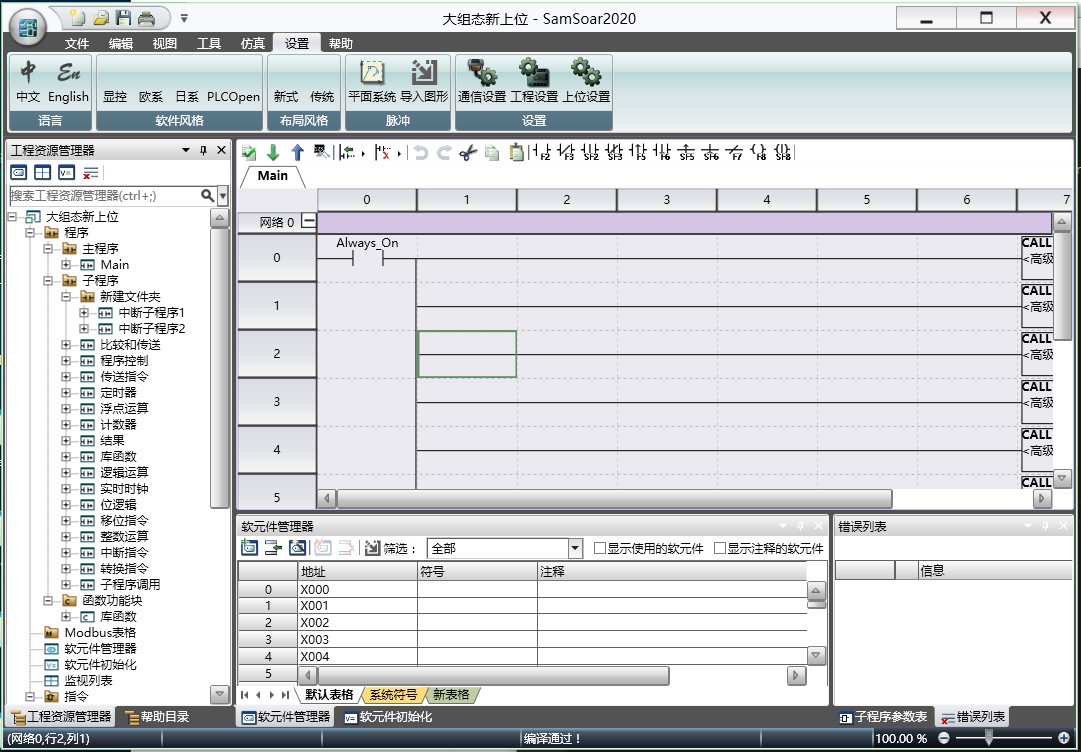
图2 bright style
1.3. Blue style#
Selectable themes. It is a style with a blue background and a dark foreground.
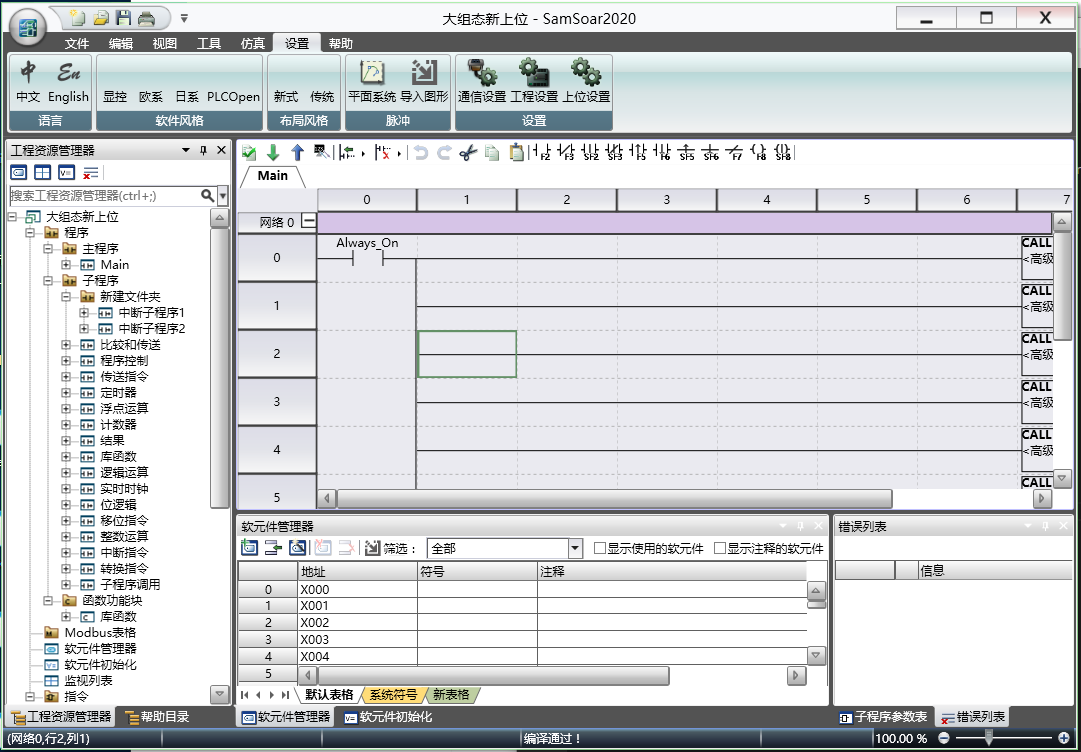
图3 Blue style
อ่านเพิ่มเติม
อุปกรณ์ที่ใช้กับคู่มือนี้
2 รายการ

