


1. Communication settings
Click the connection settings button on the settings bar to open the communication settings dialog box.
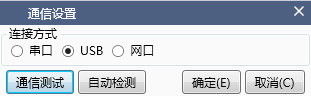
When selecting a USB port, communication testing can be conducted directly, and when selecting a serial port, communication parameters need to be set. It can be automatically detected or manually set.
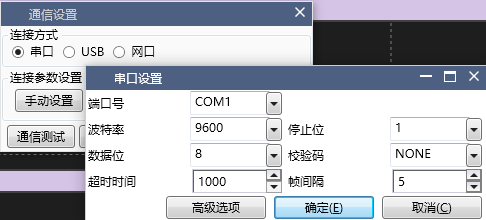
Click on the communication test in the lower left corner, and the upper software will attempt to communicate with the lower software once. If the parameters are manually configured, communication will be based on the configured parameters. If automatic detection is selected, the software will automatically switch to recognize the communication parameters.
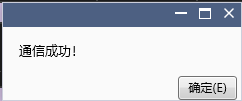
After successful communication, a dialog box will be displayed:
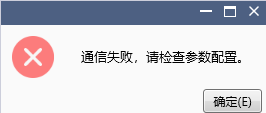
Otherwise, it will display:
อ่านเพิ่มเติม

