


1. Find/Replace/Turn
You can use one of the following methods to access the "Find", "Replace", and "Go" operations:
Click the "Find", "Replace", or "Go To" button in the "Search" area of the "Edit" menu ribbon.
Press the shortcut key combination Ctrl+F, Ctrl+H, or Ctrl+G.
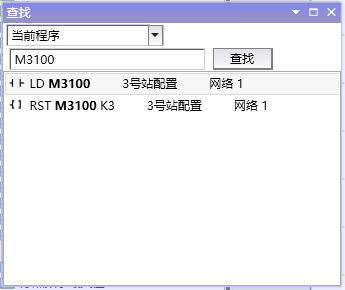
图1 Search tab
Can perform "Find", "Replace", and "Go To" operations on ladder diagram programs, instruction table programs, function block diagram programs, and function block programs.
อ่านเพิ่มเติม
อุปกรณ์ที่ใช้กับคู่มือนี้
2 รายการ

