


1. Shortcut Key Settings
- Open the "Application Setting" button in the "Setting" area of the "Setting" menu bar.

图1 button
- select“key”(Hot key)。
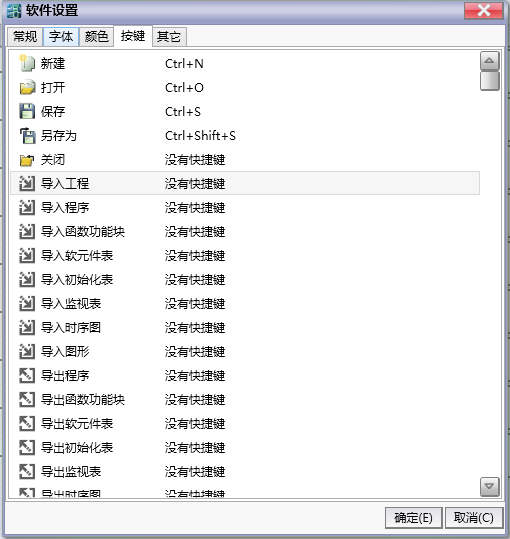
图2 key setting page
- Double click the command for the desired button to enter the settings mode.
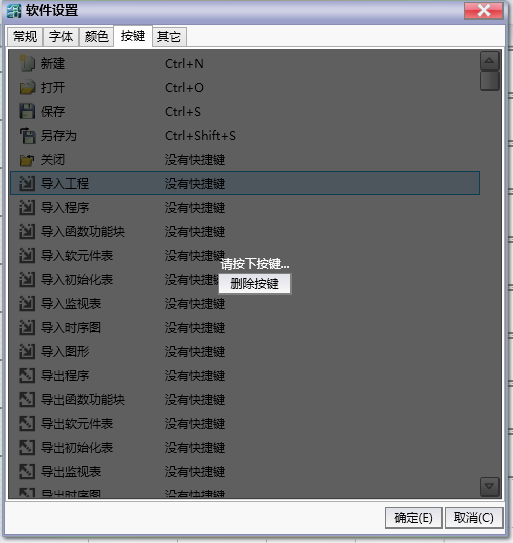
图3 key setting status
Press the shortcut key, release and complete the settings.
You can click the delete button in the settings state to delete the shortcut key for this command.
อ่านเพิ่มเติม
อุปกรณ์ที่ใช้กับคู่มือนี้
2 รายการ

