


Uninstall Software
To uninstall SKTOOL configuration software, please follow these steps:
The first method:
Step one: Select the Windows "Start" - "Programs" - "SKTOOL", choose Uninstall SKTOOL option.
As Figure 2-13 shows:
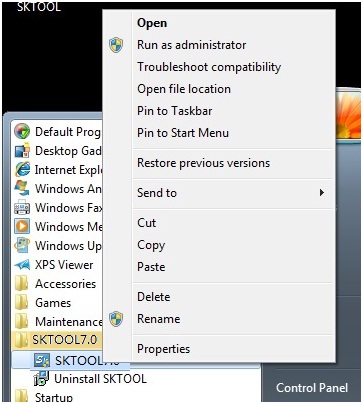
Figure 2-13 choose Uninstall SKTOOL option
Step Two: In the pop-up dialog box, left click "Yes" and wait for Windows system to automatically delete SKTOOL software. When the removal is completed, left click "Finish" button, as shown in Figure 2 -14 and Figure 2-15:
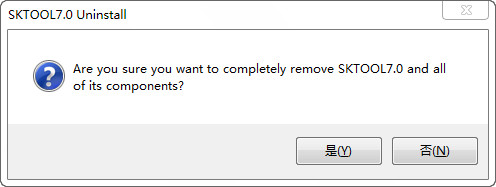
Figure 2-14 Confirm Uninstalling
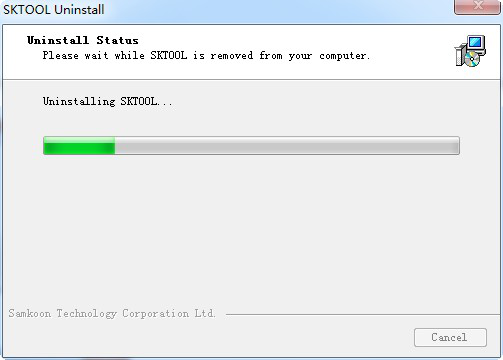
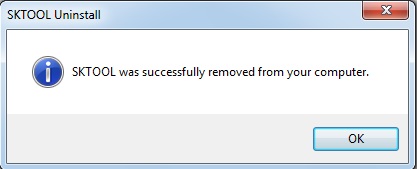
Figure 2-15 Uninstall Completed
The second method:
Step One: Select in the Windows "Start" - "Settings" - "Control Panel", go to the Control Panel interface and then select the "Add / Remove Programs" dialog box, as shown in Figure 2-16
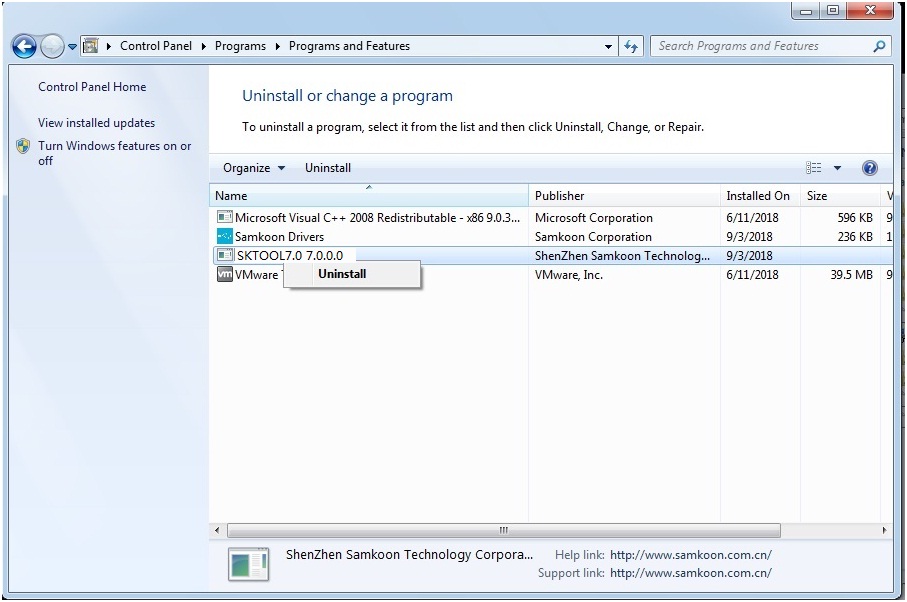
Figure 2-16 Add / Remove Programs
Step Two: Select SKTOOL in the left area of the Figure 2-16, click "Change / Remove" button and follow the second and third step of the first method. Then the system will automatically delete SKTOOL configuration software and its corresponding components.
อ่านเพิ่มเติม

