


1. Simulation begins
After ensuring the completeness and legality of the engineering program, you can click the "Simulation" button in the menu bar to start the simulation. At this point, you will enter the simulation interface, and the editing bar will disappear, replaced by the simulation control bar.
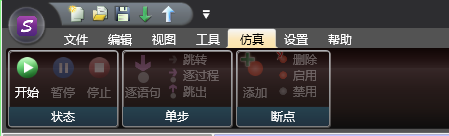
图1 Simulation button
Just like when starting monitoring, a monitoring window will pop up. The upper software will simulate the operation of the PLC, and users can operate it as a monitoring PLC.
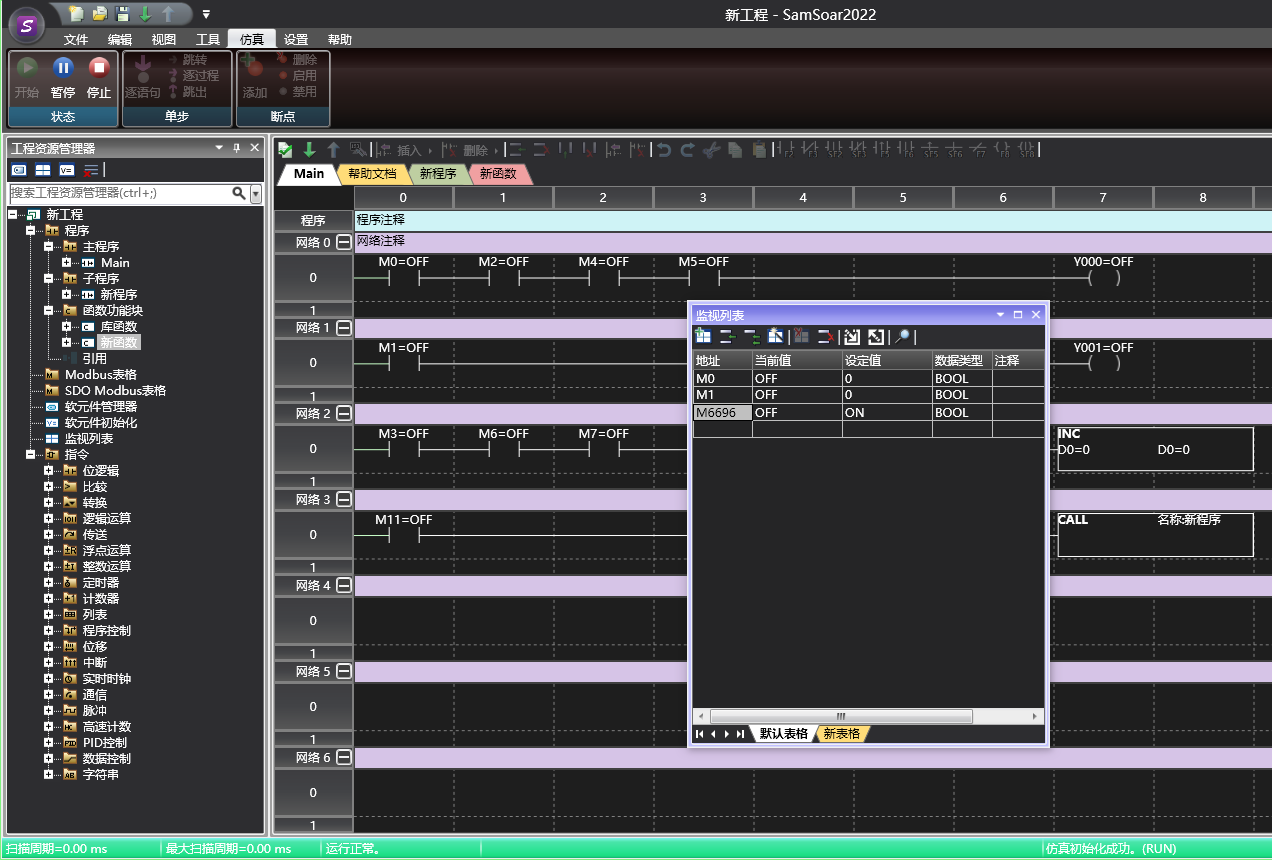
图2 Simulation Window
อ่านเพิ่มเติม
อุปกรณ์ที่ใช้กับคู่มือนี้
2 รายการ

