


1. Simulation state
When the simulation starts running, it is in the same "start" state as the PLC. You can switch to the "stop" state to stop running, or switch to the simulation specific "pause" state. Control the running status of the simulation through the leftmost control button on the simulation control bar.
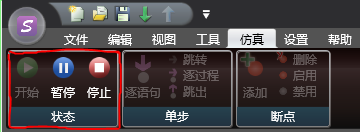
图1 Simulation Control Bar
When the simulation is in the "start" state, the simulation is running, and the current value of the register can be viewed and the value can be modified.
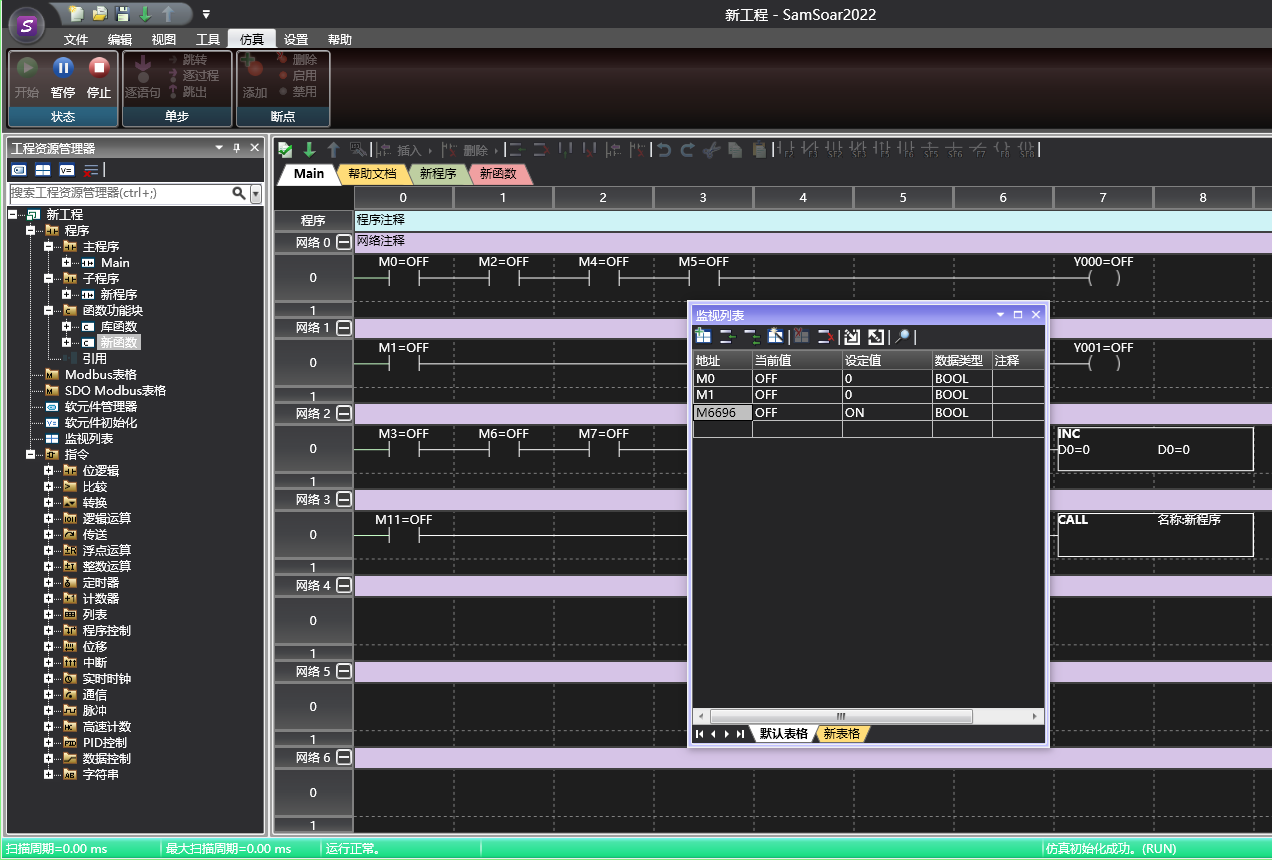
图2 Simulation Run
When the simulation is in a 'pause' state, it will stop at a certain position during program execution, at the prompt box. Unlike 'stop', users can still view and modify registers.
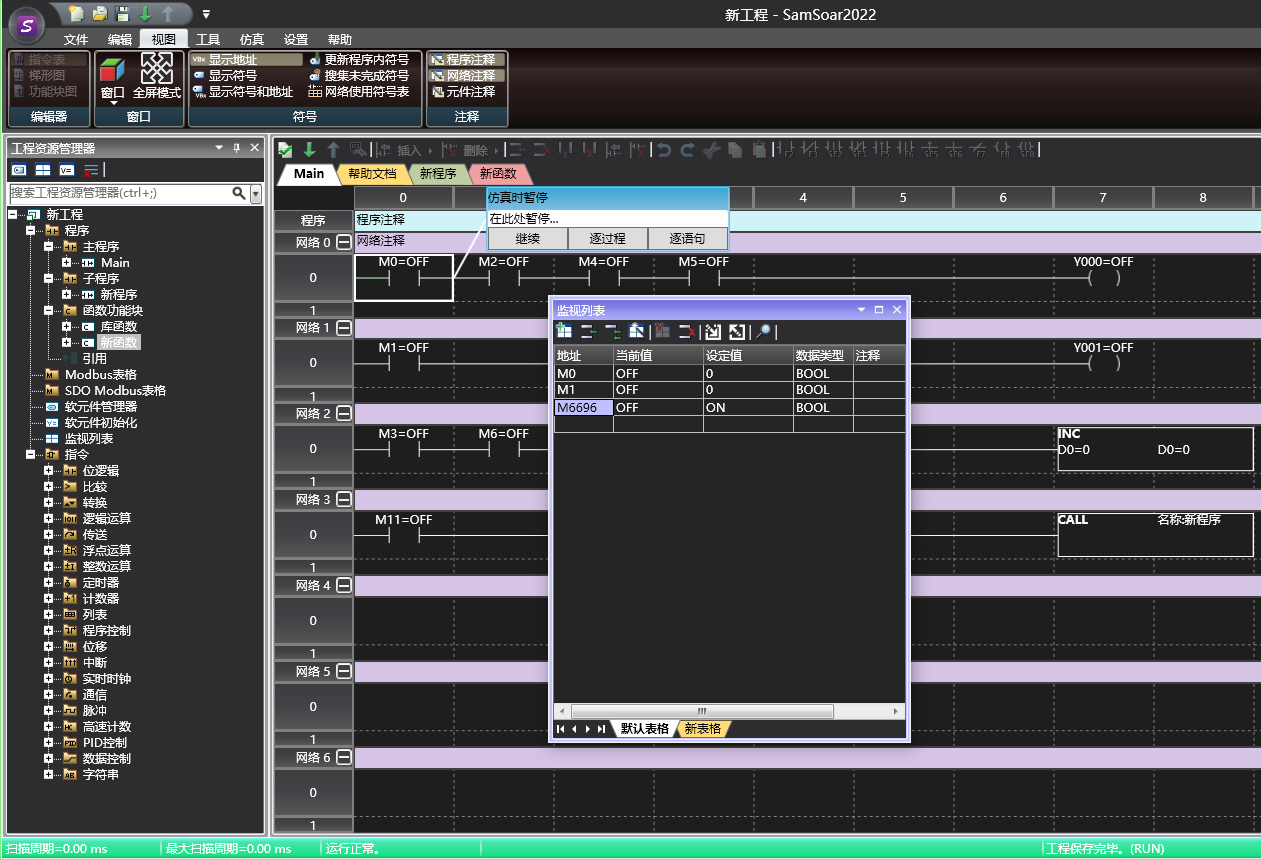
图3 Simulation Pause
When the simulation is in the 'stop' state, all registers cannot view the current value and cannot be modified.
อ่านเพิ่มเติม

