


1. Call subroutine CALL
1.1. Instruction description#
When the CALL instruction is valid, it hands over program control to the subroutine. After the execution of the subroutine is completed, control returns to the next instruction that called the subroutine.
When the CALL instruction is invalid, the program will automatically skip this CALL instruction and execute the next instruction.
To add a subroutine, you can go to the left project manager through the path "Project" ->"Program" ->"Subroutine": right-click on the subroutine folder and select "Add Subroutine".
To call a subroutine, in addition to inputting the CALL instruction, you can also insert the CALL instruction by dragging the subroutine item from the project manager to the ladder diagram.
1.2. The valid operands of the instruction#
It is related to the parameter table of the called subroutine. The number of parameters in a subroutine corresponds to the number of operands in an instruction.
1.3. Example#
Command table:
NETWORK 000
LD X000
CALL New subroutine//Call subroutine "New subroutine"
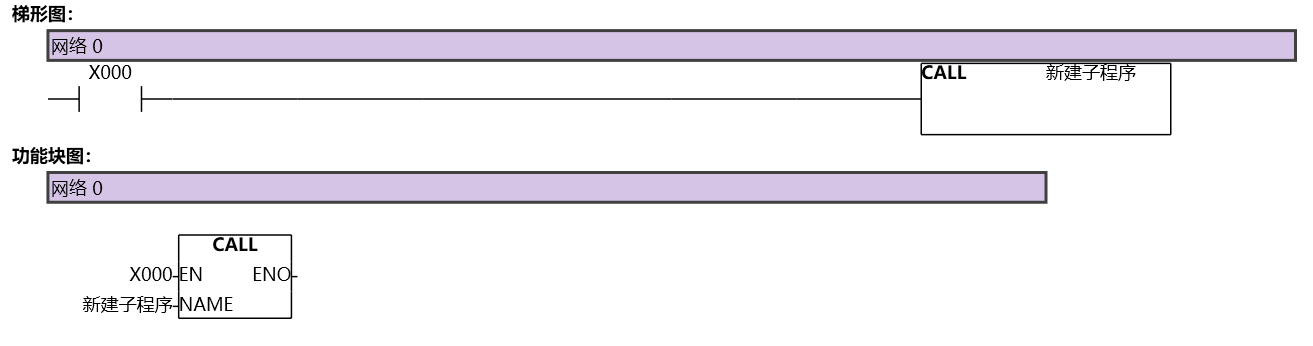
图1 CALL
อ่านเพิ่มเติม

