


1. Watchdog reset WDT
1.1. Instruction Description#
Users can enable the watchdog function in other tabs of the PLC parameter settings interface. The watchdog can detect whether there is a dead loop in the ladder diagram or function block that causes the PLC to freeze.
Attention:
At the end of each scanning cycle of PLC operation, the watchdog will be reset internally by default, or it can be manually reset by using the WDT instruction in the ladder program;
If there is no reset after exceeding the set value time, the PLC will enter the ERROR and STOP states, and the PLC will stop running. You can check whether D8176 is equal to 10 or monitor the status bar information through the upper software;
After resolving the issue with the ladder diagram, re downloading can restore it;复;
1.2. Example#
Command table:
NETWORK 000
LD M0
WDT
POP
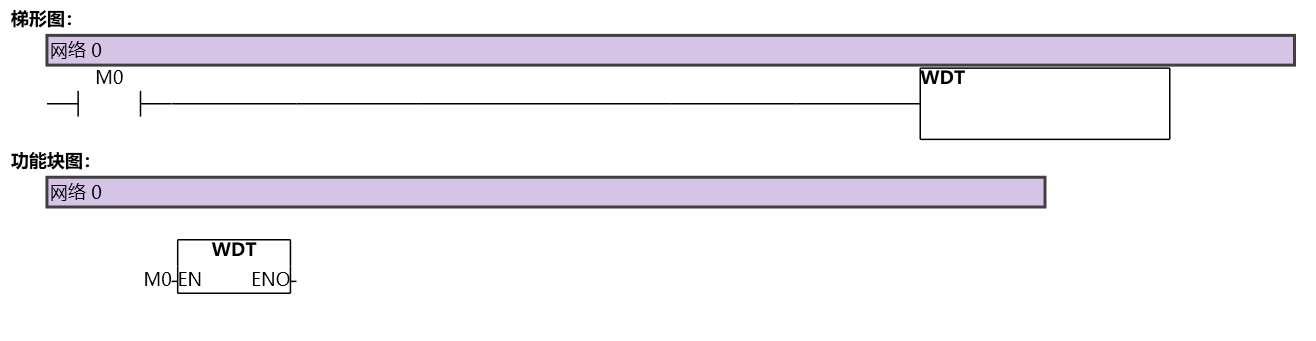
图1 WDT
อ่านเพิ่มเติม

