


duobianxing
Select the straight line command in the
drawing menu or the left mouse button to click the regular polygon command
button  in the toolbox
button to set the number of corners, transparency, line type, line width, line
color of the regular polygon. To meet the needs of the project. After setting,
click the button to determine the button, the screen appears cross mark, move
to the appropriate position of the screen, click the left, you can draw a
regular polygon. You can click the right polygon control through the left mouse
button, right-click the "property" or click the toolbar button
in the toolbox
button to set the number of corners, transparency, line type, line width, line
color of the regular polygon. To meet the needs of the project. After setting,
click the button to determine the button, the screen appears cross mark, move
to the appropriate position of the screen, click the left, you can draw a
regular polygon. You can click the right polygon control through the left mouse
button, right-click the "property" or click the toolbar button , set the
property, modify the regular polygon.
, set the
property, modify the regular polygon.
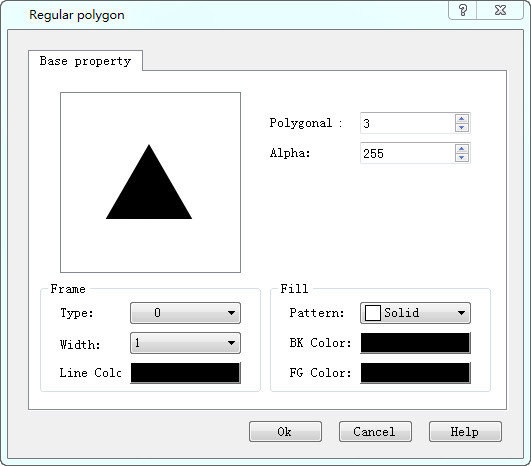
Figure 4-24 Line Property dialog box
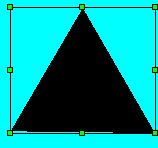
The size of the control can be freely stretched by controlling the green dots around it.