


V3.0 Cloud Setting
V3.0 cloud setting
 Only the remote-series HMI supports this function
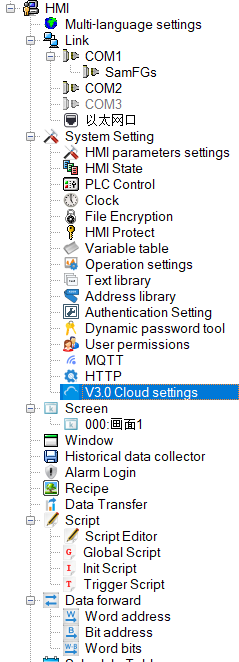
Double-click the V3.0 cloud settings in the project manager, and the settings page will pop up as follows:
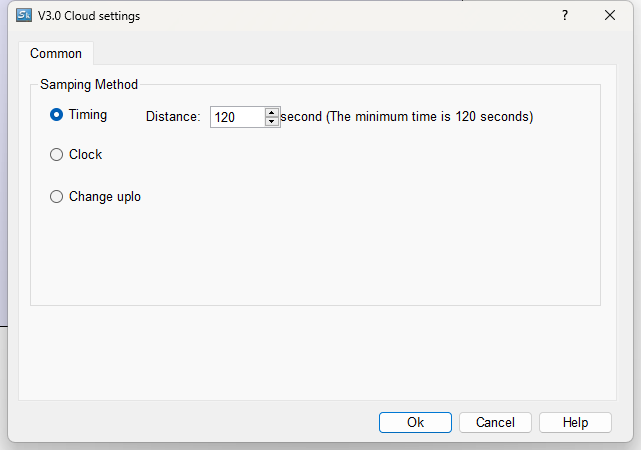
The collection methods are as follows:
l Timing: Trigger upload every set interval
l On the hour: Upload at the set time point
l Change upload: Trigger upload after data changes
อ่านเพิ่มเติม
อุปกรณ์ที่ใช้กับคู่มือนี้
2 รายการ

